
MeterGrapher Software Package – User Documents – Using MeterGrapher
Quick Start Guide
Using MeterGrapher

When MeterGrapher is run for the first time, the welcome message is displayed. As instructed, choose Options / MeterGrapher Config.

The yellow panel shows the instructions. (This is only shown on first use.) As each step is completed the next one lights up. The green boxes highlight the controls to be used in the current step.
If you are using CDI Meters recommended Ethernet adapters (GridConnect NET485) leave this checked. For other adapters, uncheck this box and configure according to the manufacturer’s instructions.

Next step …
These are the meters found.

Next step …

All values have been entered, click Save and Start Logging …
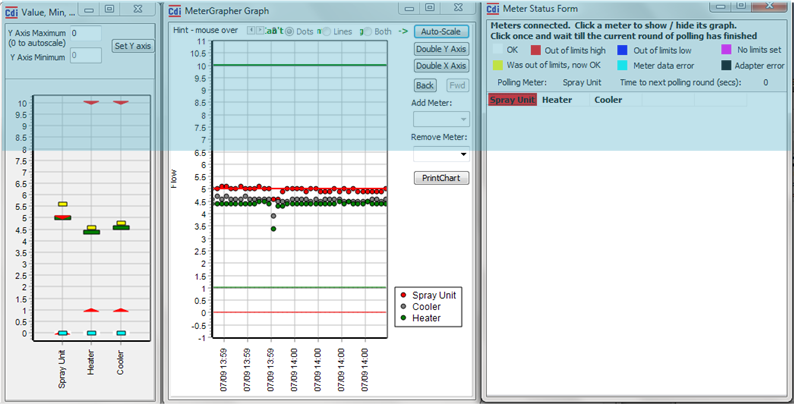
These forms, together with the Main Form, are displayed. Logging will continue until it is stopped, using the Stop Log button on the Main Form. (You cannot close MeterGrapher until logging is stopped) If you wish to change the Configuration (e.g. logging interval), first, on the Main Form, choose Line / Offline. You can then choose Options / MeterGrapher Config.