
MeterGrapher Software Package – User Documents – Using MeterGrapher
Line menu
Using MeterGrapher
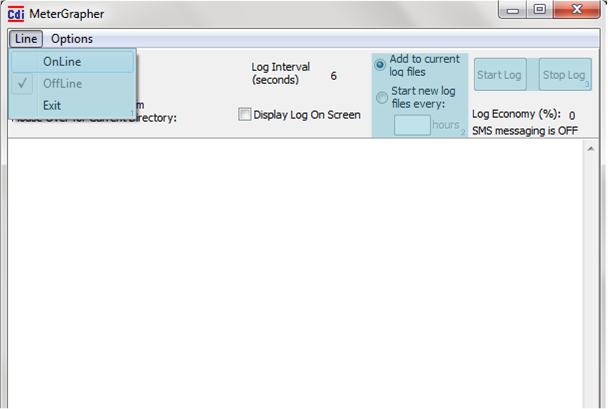
The next page shows what happens when you click ‘Online’…
By default data is appended to previous log files. To create new log files click ‘Start new log files every’. See Log File Naming for more information. If the ‘every’ box is blank or zero, new log files are just started once. Otherwise enter an integer value and new log files will be started with this interval (hours).
Buttons are not available until MeterGrapher is Online